Happy Monday! This is Jennifer from
Teaching to Inspire in 5th with my Top Ten Favorite Websites to Review, Practice, and/or Assess the Content! All of these websites are free, and the kids love them! Click on the title of the website or the image to go straight to the website.
1.
Edcite
This website is perfect for preparing your students for online assessments. The website has a variety of tests/questions already loaded from other teachers for you to use and assign to your class. But the best part is that interactive questions that you can create that align perfectly with the online assessments. The website offers drag and drop questions, matching questions, extended response options, and much much more! Easy to navigate for students and teachers! The best part to me is that the students can "Save and Pause" their assessment if they need more than one class period to complete it.
2.
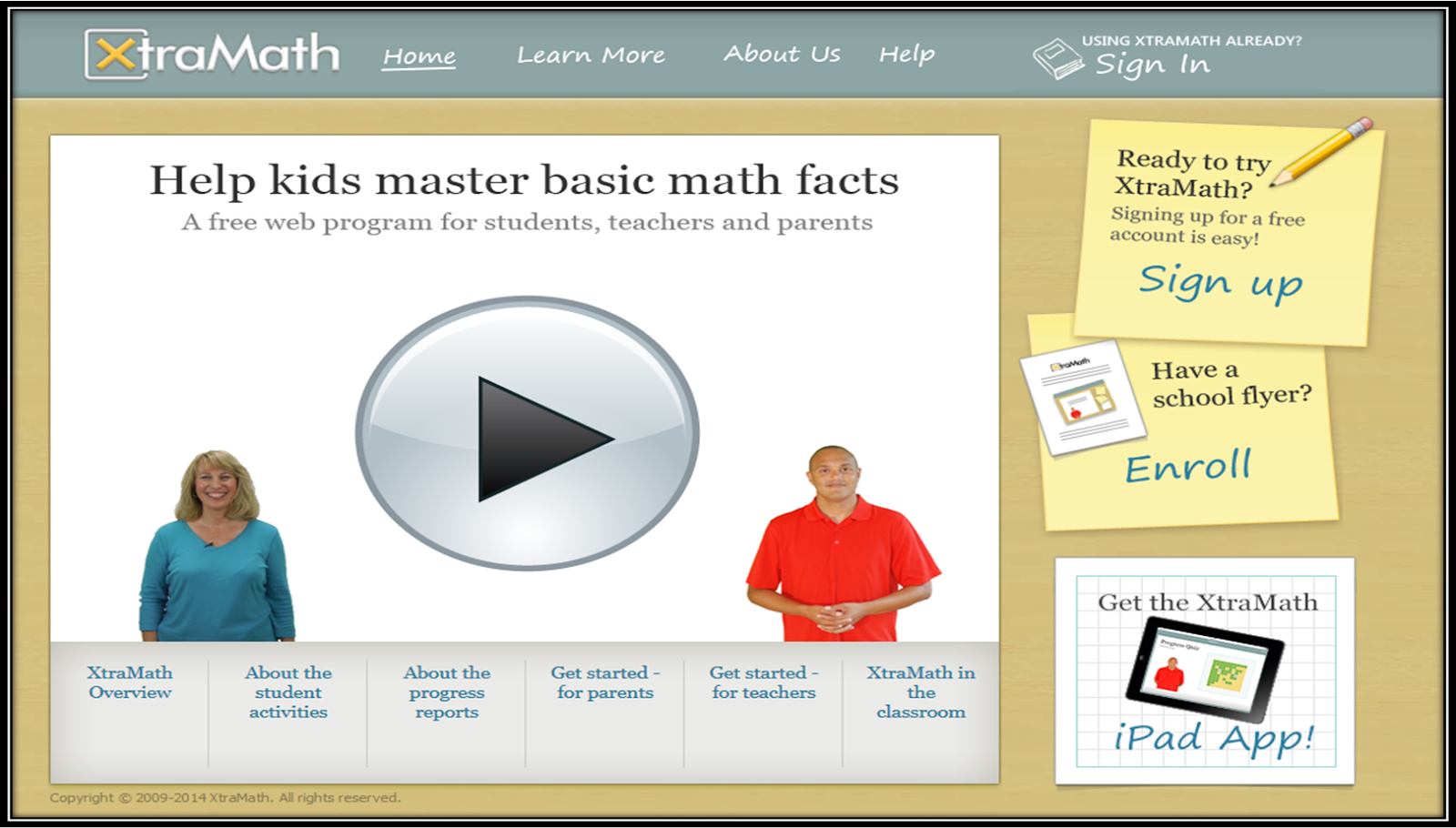
XtraMath
We all know that students will never fully master the math content in the upper grades if they have not mastered their math facts. This free website allows your students to practice math facts at their own pace. They move through programs assigned by you (Addition, Subtraction, Multiplication, and Division). There is even an option to differentiate and provide some students extra time to answer the facts. The data tracking available on this site is great for progress monitoring as well.
3.
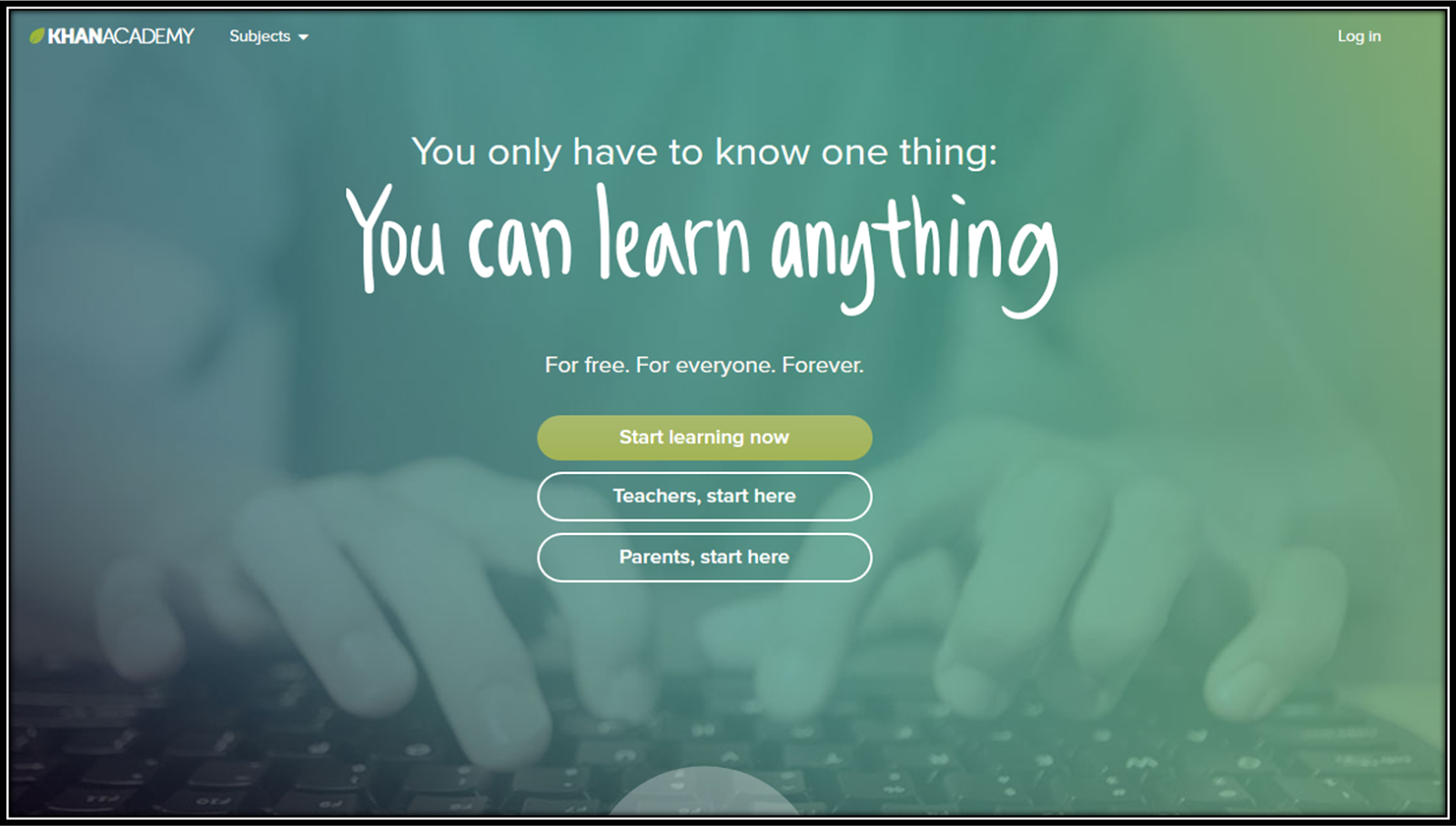
KhanAcademy.org
This easy to navigate website provides a great review opportunity for you students with their easy to understand videos of key math concepts. I must confess that I used this website several times when I wanted to learn different strategies to teach my students key math common core skills. Note: this website primarily only provides the students with one strategy per skill.
4.
Kahoot
This highly engaging website allows you to create quizzes to assess your students in a super fun way! Teachers type in the questions and answer choices into the website, which are projected via a Smartboard or similar device. The students then use devices to log in and join the "game" with a device (cellphone, tablet, laptop). Then, the students have a set amount of time (determined by the teacher when creating the question set) to answer the question. The students are ranked as they answer the questions (by correct answer and speed). The students love seeing how they rank! A downloadable excel spreadsheet is available at the end of the game for data tracking. The only downside to this is that all students must have a device to participate.
5.
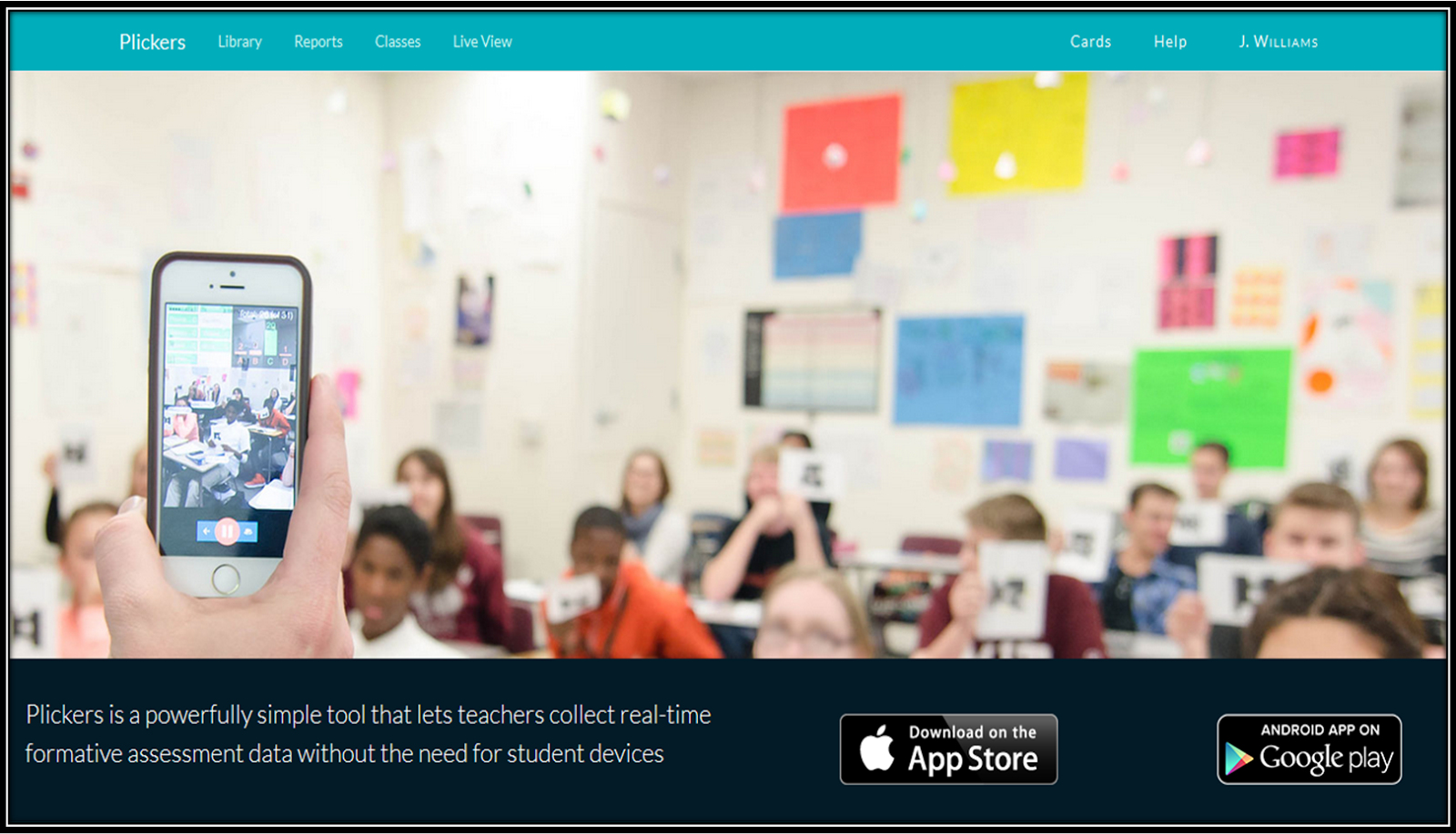
Plickers
A great alternative to Kahoot (and ideal for classrooms without technology) is a website called Plickers. Similar to Kahoot, the teacher creates the questions and answer choices for the students. These are then projected via a Smartboard or similar device. The students are given QR codes (printed from the website) that they hold up to show their answer. The answer choices (ABCD) are placed on different parts of the code, and the students position the QR code with the correct answer on top. The teacher uses the Plickers app to scan the room, picking up the students' responses. A graph is shown and immediate feedback and data analysis is available. So fun!
6.
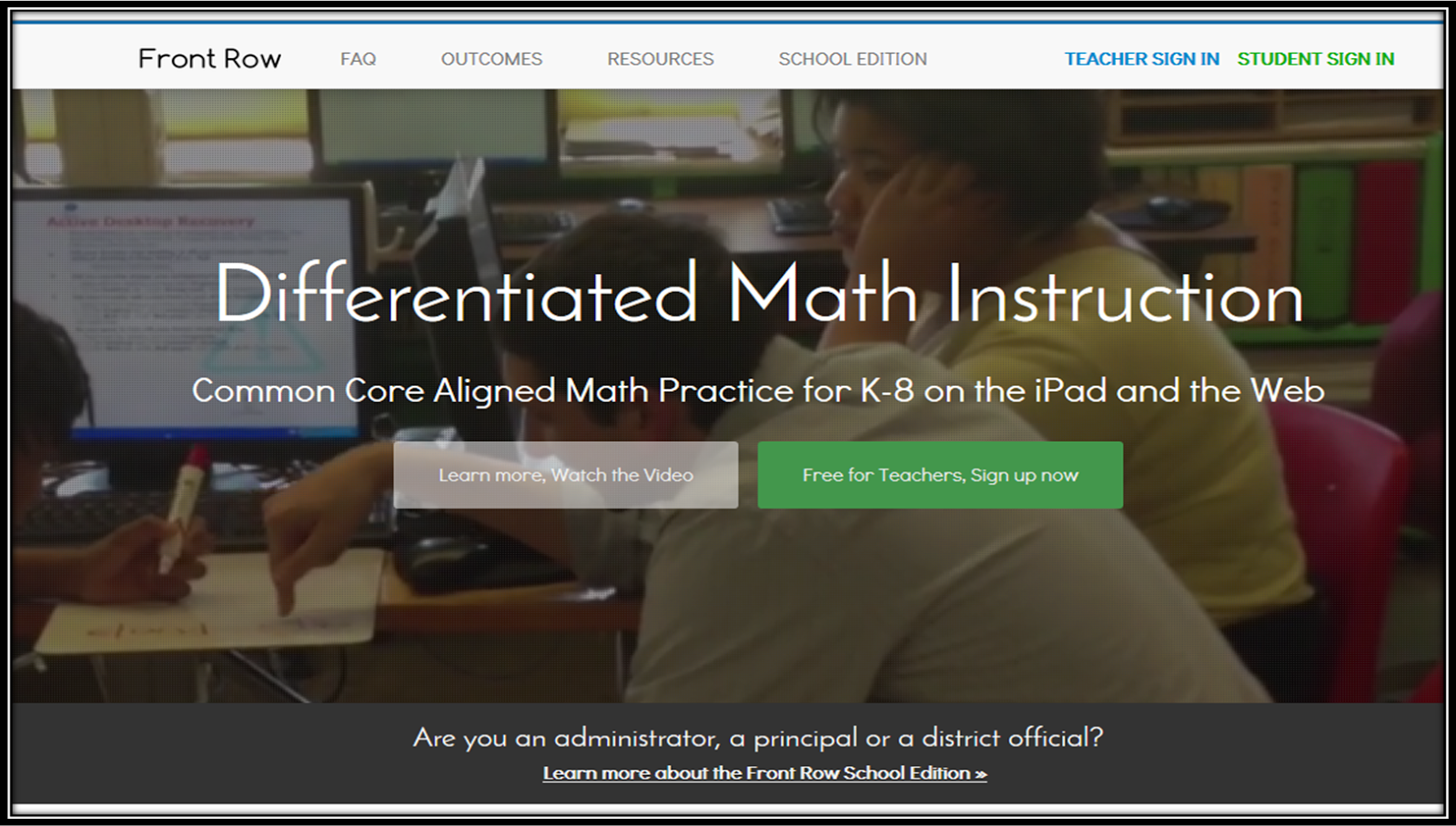
Front Row (Frontrowed.com)
Front Row is an adaptive Math program that I just discovered! I haven't had a chance to use it with my students yet, but I am very excited to try it out! The program gives the students a pretest when they first log on. Then the students move through the program at their own level. Click
here to read a more detailed review of Front Row from Klein Inspiration.
7.
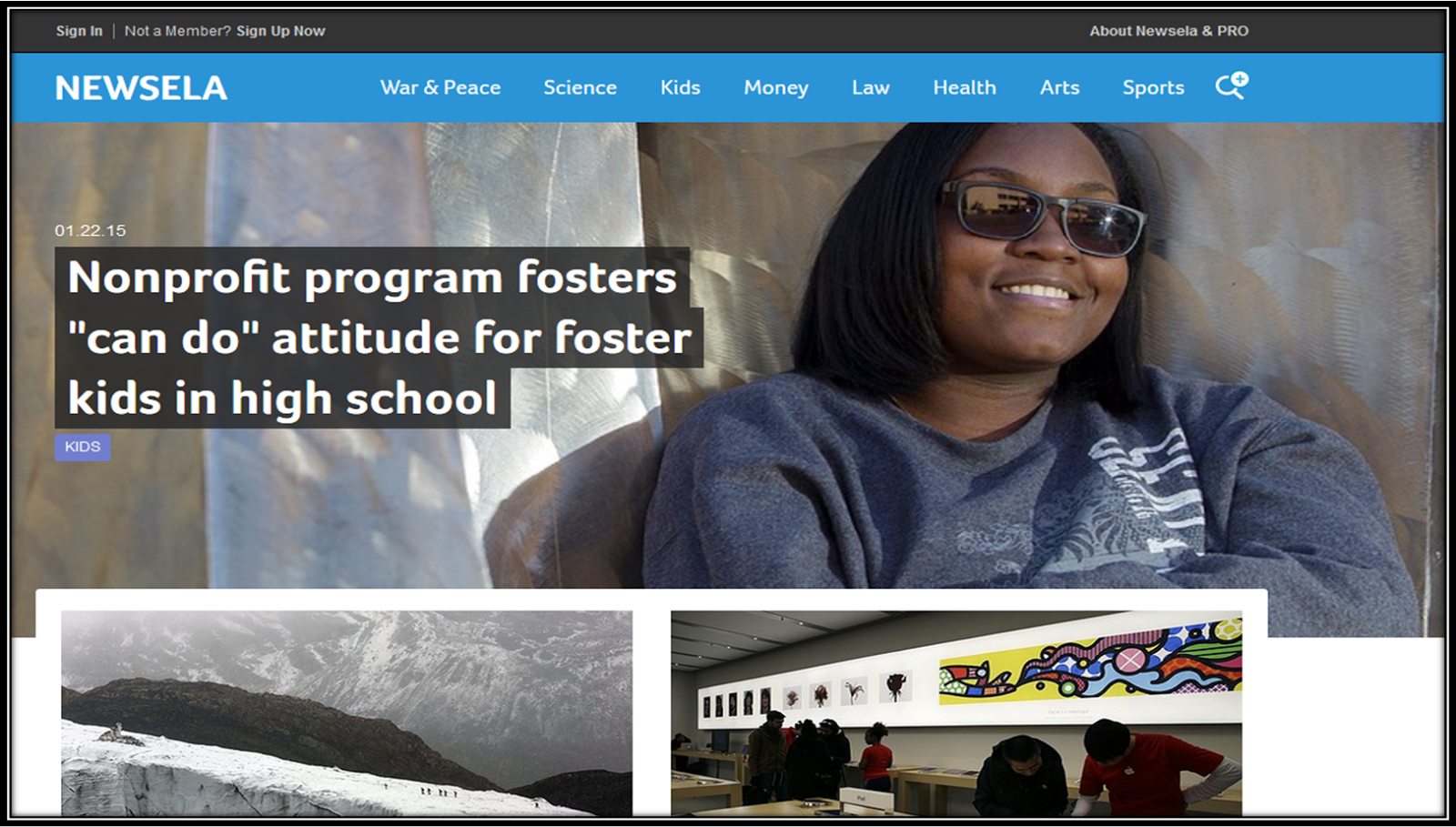
Newsela
This differentiated reading website contains news articles and current events that are age appropriate and engaging for upper elementary. The best part? Each article is available in 4-5 different reading levels, making it perfect to differentiate! Some of the quizzes (marked with an anchor symbol) even have quizzes available for your students to take.
8.
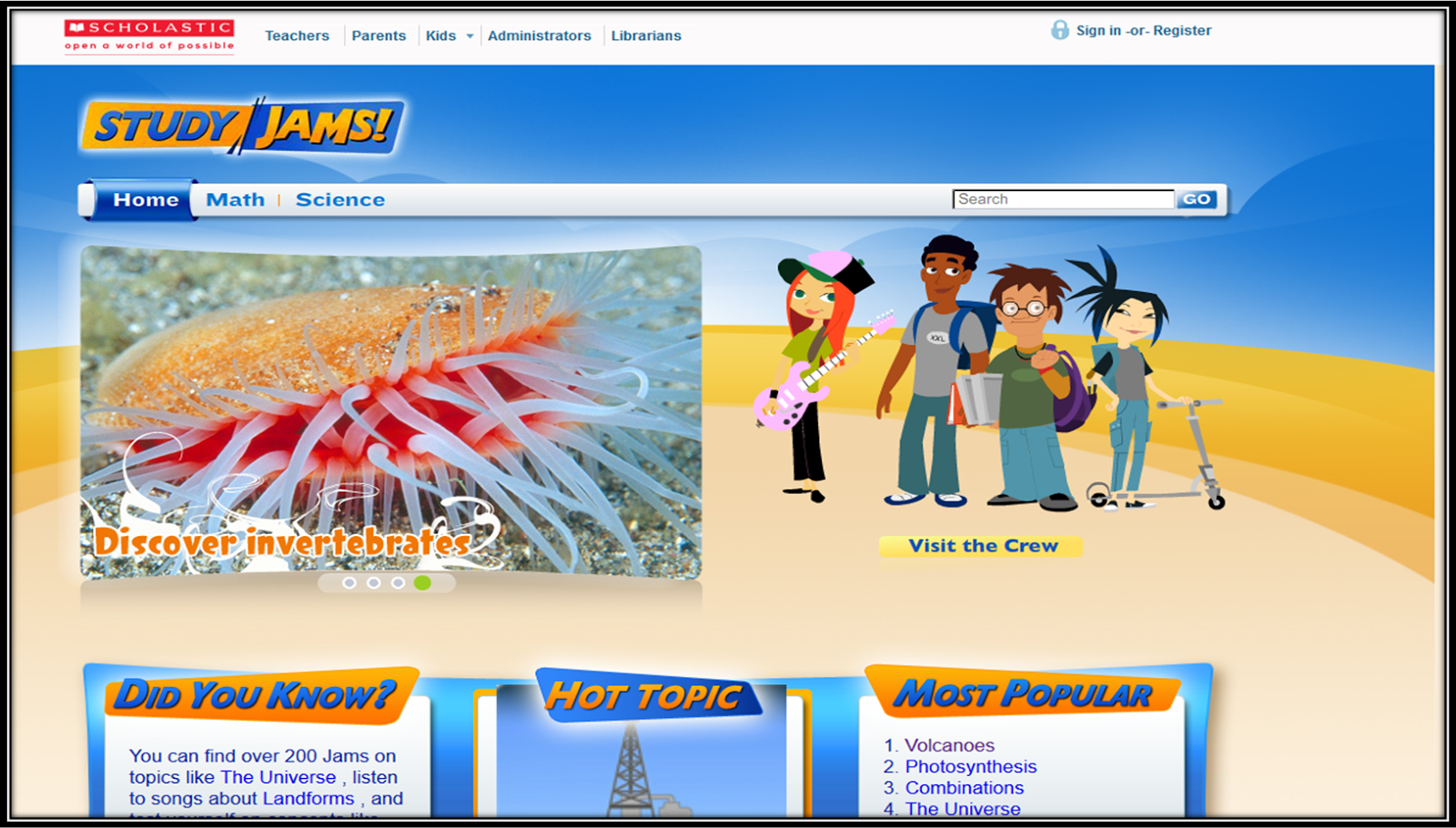
Study Jams
Study Jams is one of my favorite websites to review or introduce content. I particularly use this website for science concepts. My students love the science videos (Jams) with the fun dialogue and animated characters. Most of the topics (Science and Math only) have videos and a test yourself option. Great way to review content!
9.
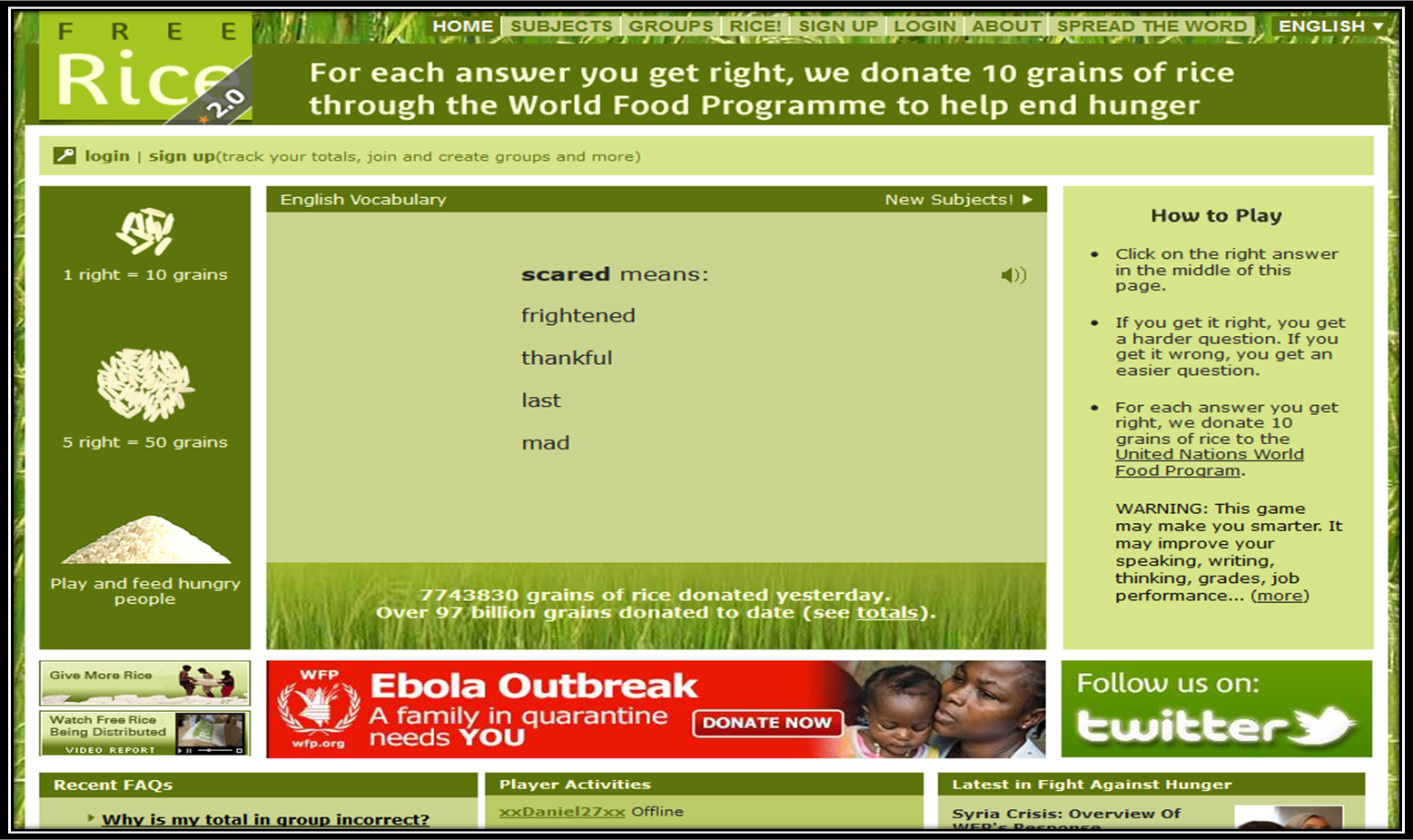
Free Rice
One of the largest factors that hinders my students' success on academic assignments and tests is vocabulary, or the lack of an extensive vocabulary. This website (which also donates rice to help end hunger for each question correct) is a simple, easy way for your students to practice building their vocabulary. The website keeps the questions leveled in a way. If the student misses a vocabulary word, they get an easier question next. If they get the vocabulary word correct, their next question is harder. Perfect motivation and the students love the giving aspect of it!
10.
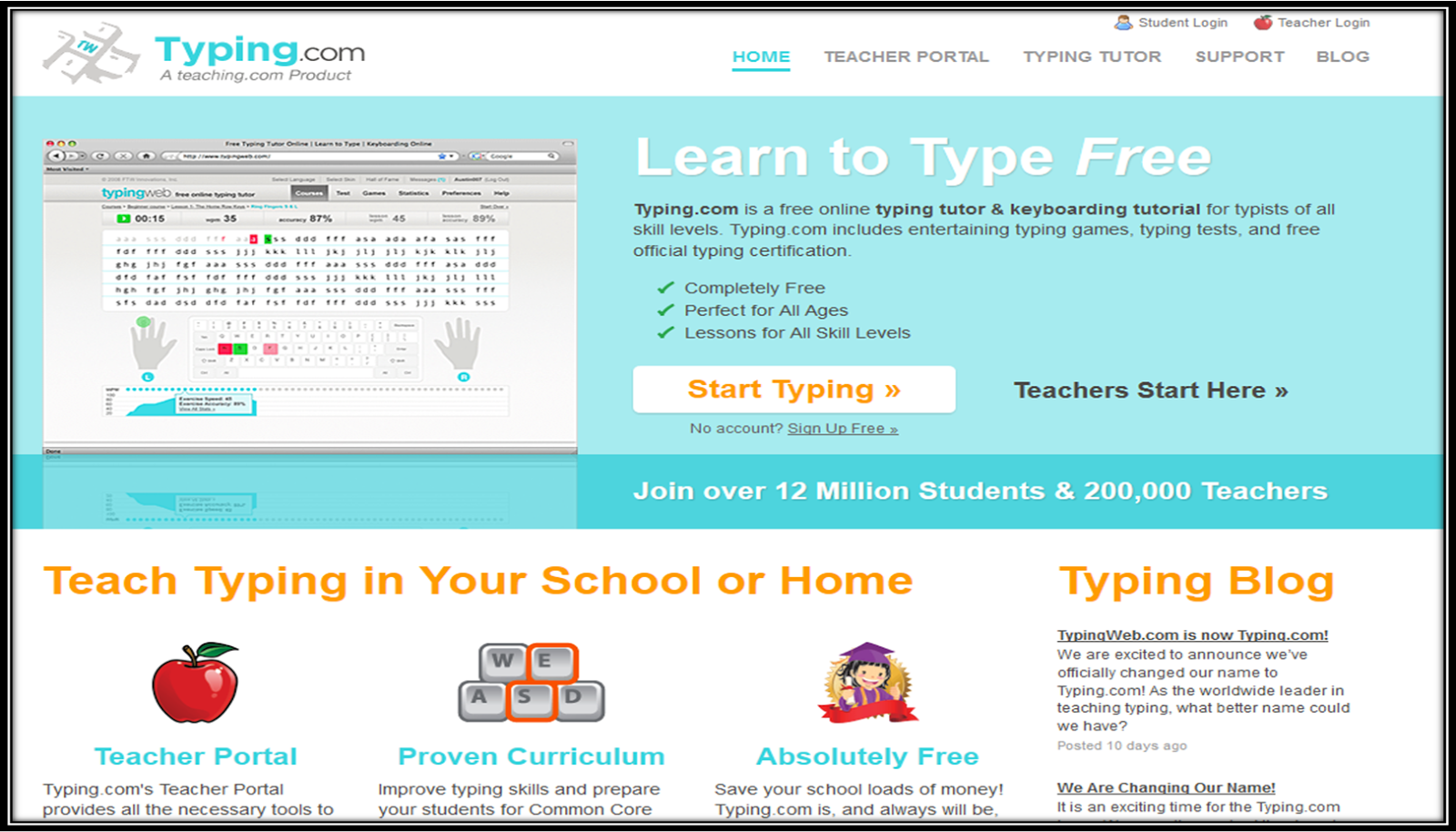
Typing.com
This website is specifically to help students who are expected to take online tests with constructed responses or extended essays. Unfortunately, these online tests assess much more than content. They assess computer knowledge, as well as the students ability to type. This website offers free practice for the students. Teachers also can keep track of the students' progress through the data the website provides.
Have you used any of these websites in your room with success? I would love to hear about it! Let me know in the comments.