Monday, January 26, 2015

Top 10 Websites to Review, Practice or Assess the Content


Happy Monday! This is Jennifer from Teaching to Inspire in 5th with my Top Ten Favorite Websites to Review, Practice, and/or Assess the Content! All of these websites are free, and the kids love them! Click on the title of the website or the image to go straight to the website.


1. Edcite

http://www.edcite.com/

This website is perfect for preparing your students for online assessments. The website has a variety of tests/questions already loaded from other teachers for you to use and assign to your class. But the best part is that interactive questions that you can create that align perfectly with the online assessments. The website offers drag and drop questions, matching questions, extended response options, and much much more! Easy to navigate for students and teachers! The best part to me is that the students can "Save and Pause" their assessment if they need more than one class period to complete it.

2. XtraMath
http://xtramath.org/

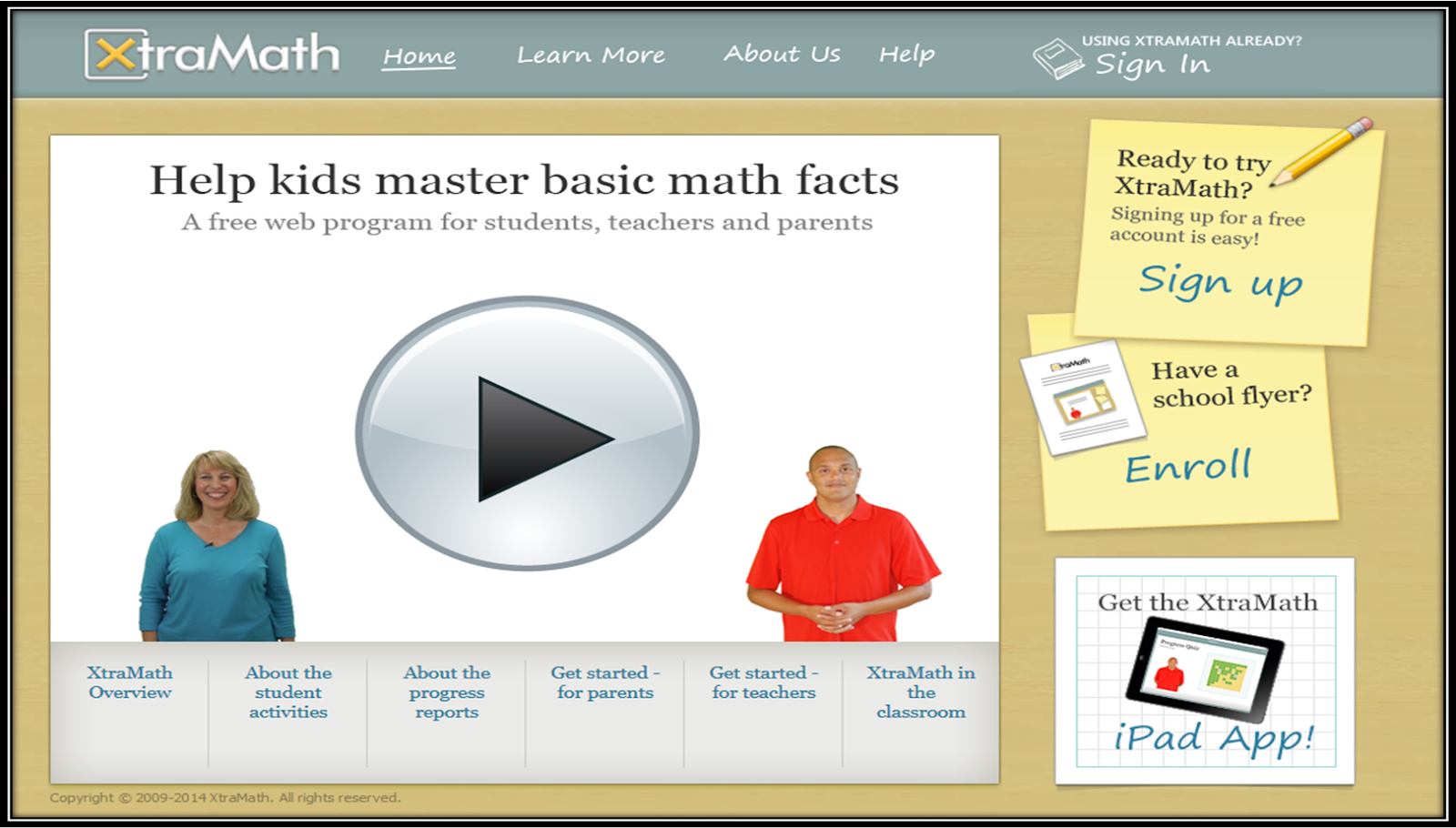
We all know that students will never fully master the math content in the upper grades if they have not mastered their math facts. This free website allows your students to practice math facts at their own pace. They move through programs assigned by you (Addition, Subtraction, Multiplication, and Division). There is even an option to differentiate and provide some students extra time to answer the facts. The data tracking available on this site is great for progress monitoring as well.


3. KhanAcademy.org
https://www.khanacademy.org/

This easy to navigate website provides a great review opportunity for you students with their easy to understand videos of key math concepts. I must confess that I used this website several times when I wanted to learn different strategies to teach my students key math common core skills. Note: this website primarily only provides the students with one strategy per skill.


4. Kahoot
https://getkahoot.com/

This highly engaging website allows you to create quizzes to assess your students in a super fun way! Teachers type in the questions and answer choices into the website, which are projected via a Smartboard or similar device. The students then use devices to log in and join the "game" with a device (cellphone, tablet, laptop). Then, the students have a set amount of time (determined by the teacher when creating the question set) to answer the question. The students are ranked as they answer the questions (by correct answer and speed). The students love seeing how they rank! A downloadable excel spreadsheet is available at the end of the game for data tracking.  The only downside to this is that all students must have a device to participate.


5. Plickers
https://www.plickers.com/


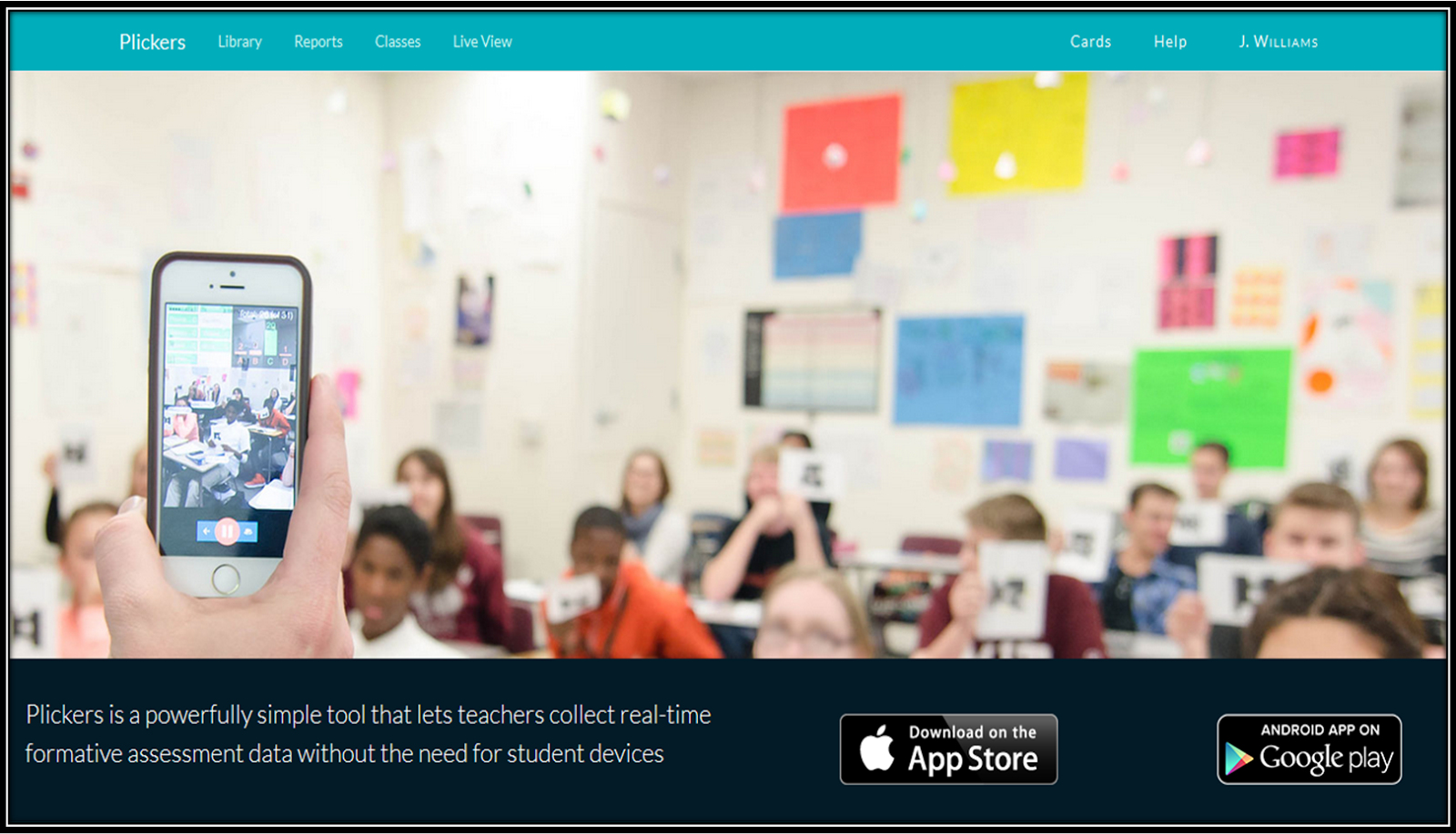
A great alternative to Kahoot (and ideal for classrooms without technology) is a website called Plickers. Similar to Kahoot, the teacher creates the questions and answer choices for the students. These are then projected via a Smartboard or similar device. The students are given QR codes (printed from the website) that they hold up to show their answer. The answer choices (ABCD) are placed on different parts of the code, and the students position the QR code with the correct answer on top. The teacher uses the Plickers app to scan the room, picking up the students' responses. A graph is shown and immediate feedback and data analysis is available. So fun!


6. Front Row (Frontrowed.com)
https://www.frontrowed.com/

Front Row is an adaptive Math program that I just discovered! I haven't had a chance to use it with my students yet, but I am very excited to try it out! The program gives the students a pretest when they first log on. Then the students move through the program at their own  level. Click here to read a more detailed review of Front Row from Klein Inspiration.


7. Newsela
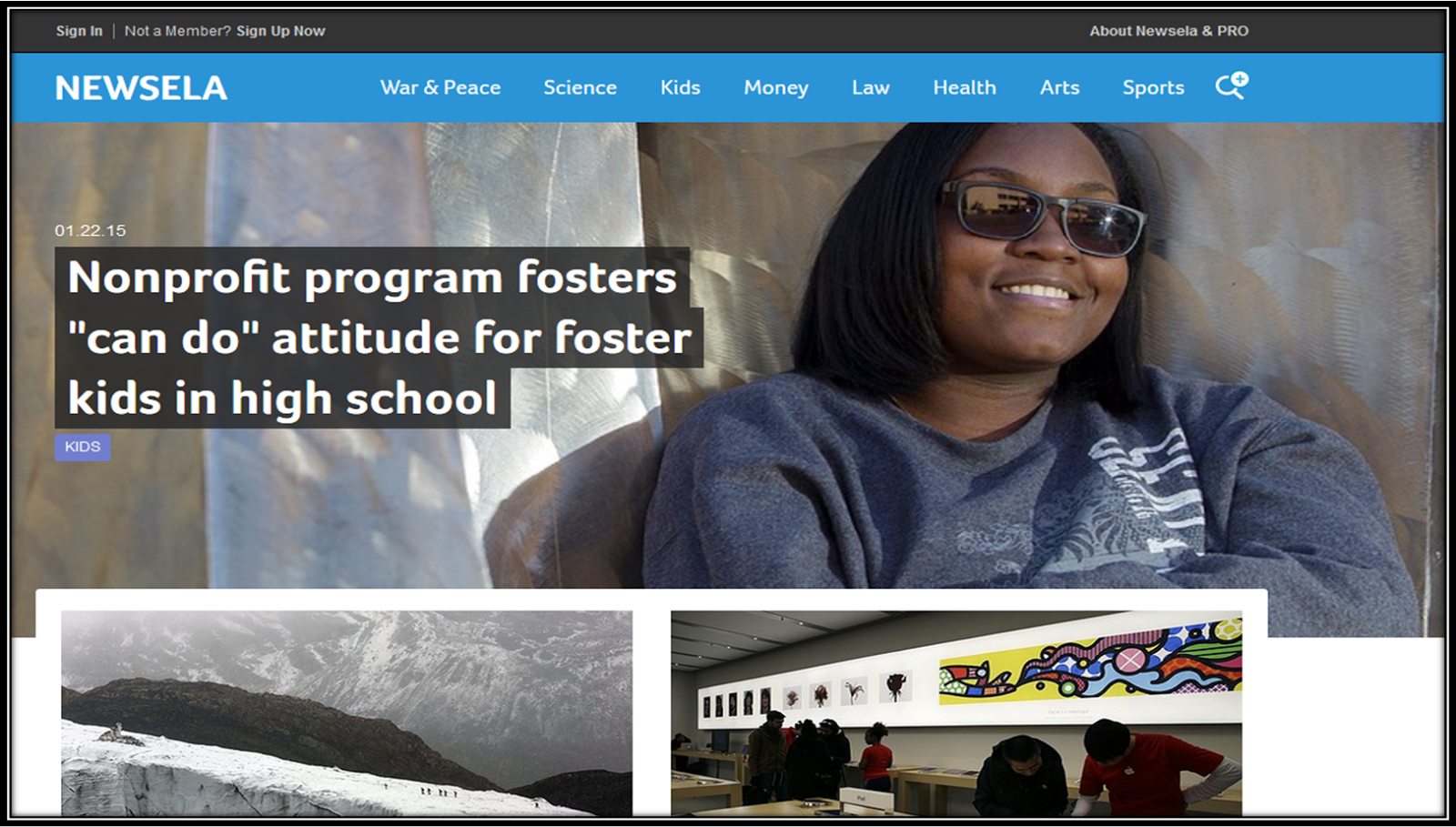
https://newsela.com/

This differentiated reading website contains news articles and current events that are age appropriate and engaging for upper elementary. The best part? Each article is available in 4-5 different reading levels, making it perfect to differentiate! Some of the quizzes (marked with an anchor symbol) even have quizzes available for your students to take.

8. Study Jams
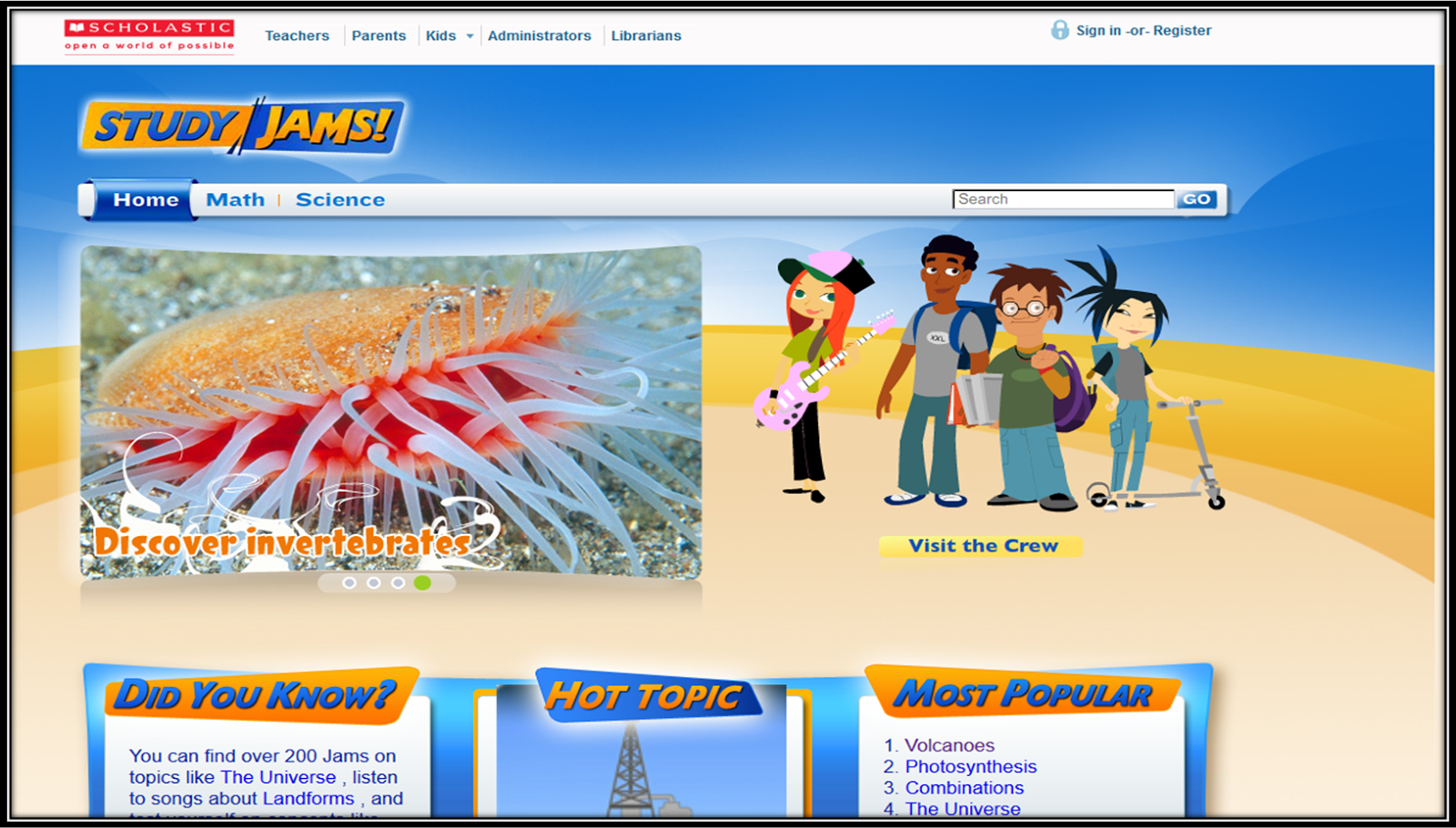

http://studyjams.scholastic.com/studyjams/

Study Jams is one of my favorite websites to review or introduce content. I particularly use this website for science concepts. My students love the science videos (Jams) with the fun dialogue and animated characters. Most of the topics (Science and Math only) have videos and a test yourself option. Great way to review content!
 
9. Free Rice
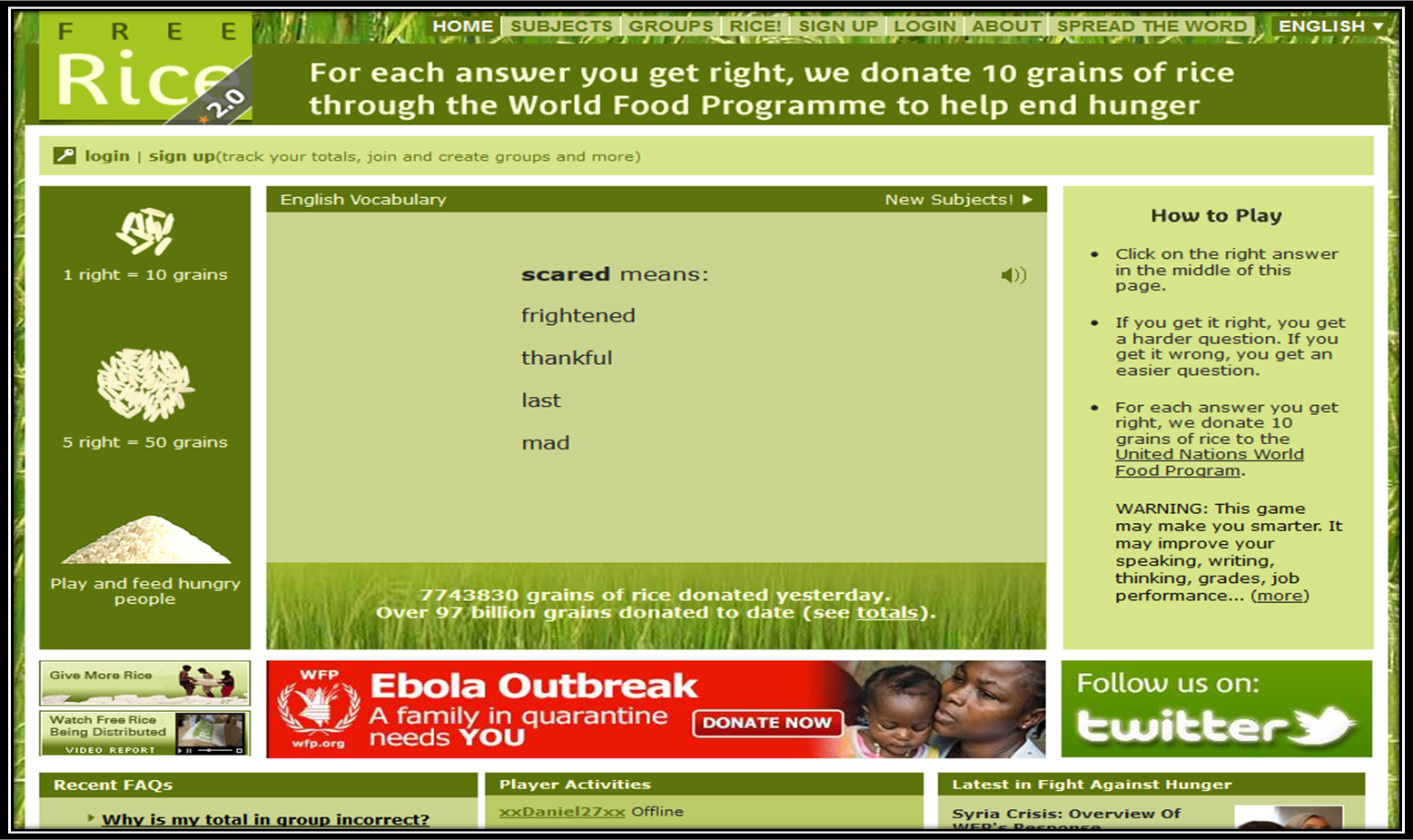
http://freerice.com/#/english-vocabulary/1363

One of the largest factors that hinders my students' success on academic assignments and tests is vocabulary, or the lack of an extensive vocabulary. This website (which also donates rice to help end hunger for each question correct) is a simple, easy way for your students to practice building their vocabulary. The website keeps the questions leveled in a way. If the student misses a vocabulary word, they get an easier question next. If they get the vocabulary word correct, their next question is harder. Perfect motivation and the students love the giving aspect of it!


10. Typing.com
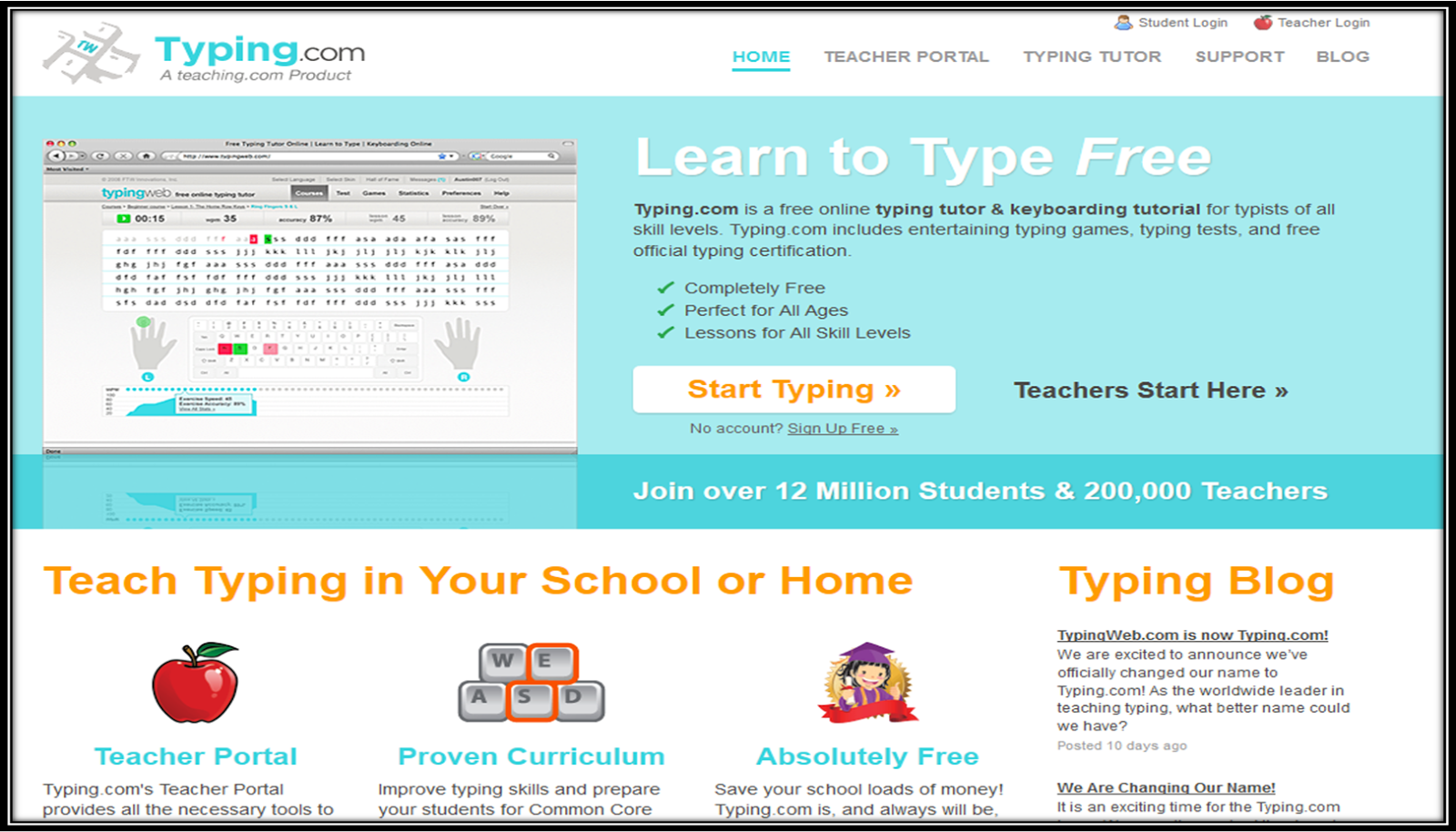
http://www.typing.com/

This website is specifically to help students who are expected to take online tests with constructed responses or extended essays. Unfortunately, these online tests assess much more than content. They assess computer knowledge, as well as the students ability to type. This website offers free practice for the students. Teachers also can keep track of the students' progress through the data the website provides.


Have you used any of these websites in your room with success? I would love to hear about it! Let me know in the comments.


Saturday, January 24, 2015

Getting Ready for Groundhog Day in the Classroom


For many of us in the Upper Grades, Grounhog Day is just another day in the classroom. Who says it has to be? Oh yea... our curriculum pacing guides. Well, below you will find a compilation of resources for you to use in your classroom that might just fit right in! 

Groundhog Day Informational Power Point and Activities by Sweet Integrations is filled with an informational slide show that would be great to get your student's started on their own research. It also includes a prediction and graphing piece to enforce some math skills.
Groundhog Day Legend Writing not only gives you a mini lesson to teach about legends and sharing the legend of Groundhog Day, it then allows students to create their own legend with an their own animal. Included are graphic organizers for modeling as well as for students to use in their writing. There are also THIRTEEN animal writing templates for students to use in the process as well.


Groundhog Graphing Task Cards are not only an easy (and FREE) activity for sorting and matching but they allow your students to practice ordered pairs and graphing across a one quadrant graph as well as a four quadrant graph. 

Groundhog Day Number Order is another great FREEBIE to use for differentiated uses in your classroom. Not only can students sort the cards in number order (Least to Greatest or Greatest to Least) but this game is also set up for students to play a fun game of WAR.

The History of Groundhog Day Mini Unit is filled with activities for you to quickly PRINT and GO! This packet includes a reading passage, vocabulary and comprehension work, word study and word search, predictions graphing and website activity.

Don't let just another day go by where you don't get to celebrate in a little way. We hope that you can find a resource her to add to your plans for Groundhog Day.


Thursday, January 22, 2015

Top 10 ELA Foldables


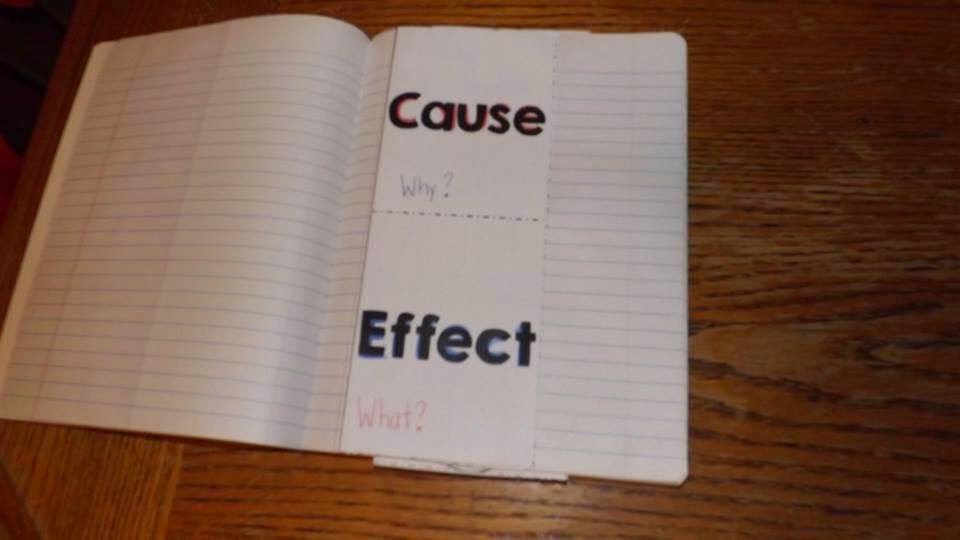
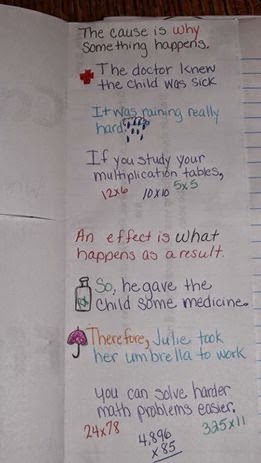
It's no secret at my school that I'm obsessed with foldables - and my students are too! When I have them pull out their Reading or Writing notebooks, they're at the end of their seats thinking, "What are we creating next?" Not only do they love creating them, but they truly remember each one and go back to use their notes throughout the year. It warms my teacher heart!

Here are my top 10 favorite ELA foldables, in no particular order!

1. Famous Americans Biography Study by Sweet Integrations (Reading)
These are great for later in the year when you have more time to focus on genre. Sometimes after I teach all of the core standards I'm raking my brain trying to find something to keep the foldables going! I like her idea of making a lapbook as well. It peaks their interest when you have them put their foldable into something new!


http://www.teacherspayteachers.com/Product/Biography-Study-Famous-Americans-Informational-Text-1313819

2. Interactive Writing Notebooks by Rockin' Resources (Writing)
In this resource, you can find all of the Common Core Writing Standards. It includes paragraph writing, narrative, opinion, and informative writing. All the foldables you need for all year long!

http://www.teacherspayteachers.com/Product/Interactive-Writing-Notebook-Grade-4-with-ALL-Common-Core-Writing-Standards-799623 http://www.teacherspayteachers.com/Product/Interactive-Writing-Notebook-Grade-4-with-ALL-Common-Core-Writing-Standards-799623 

3. Interactive Reading Notebooks by Performing in Fifth Grade (Reading)
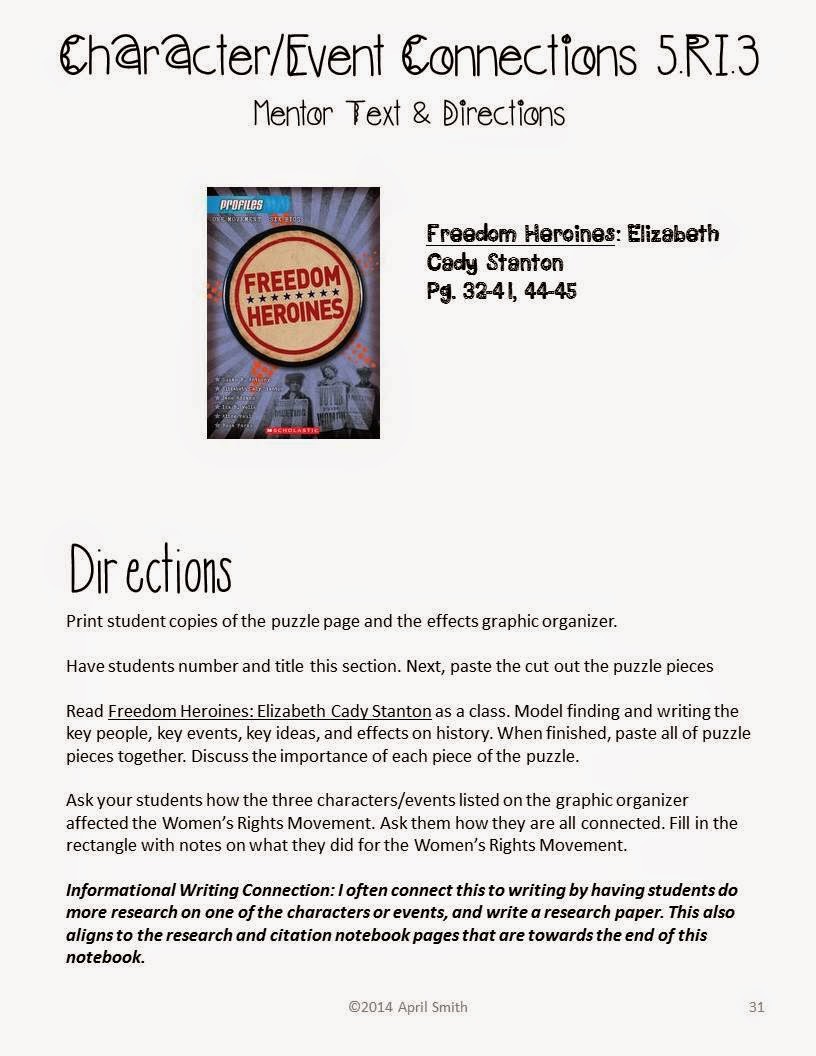
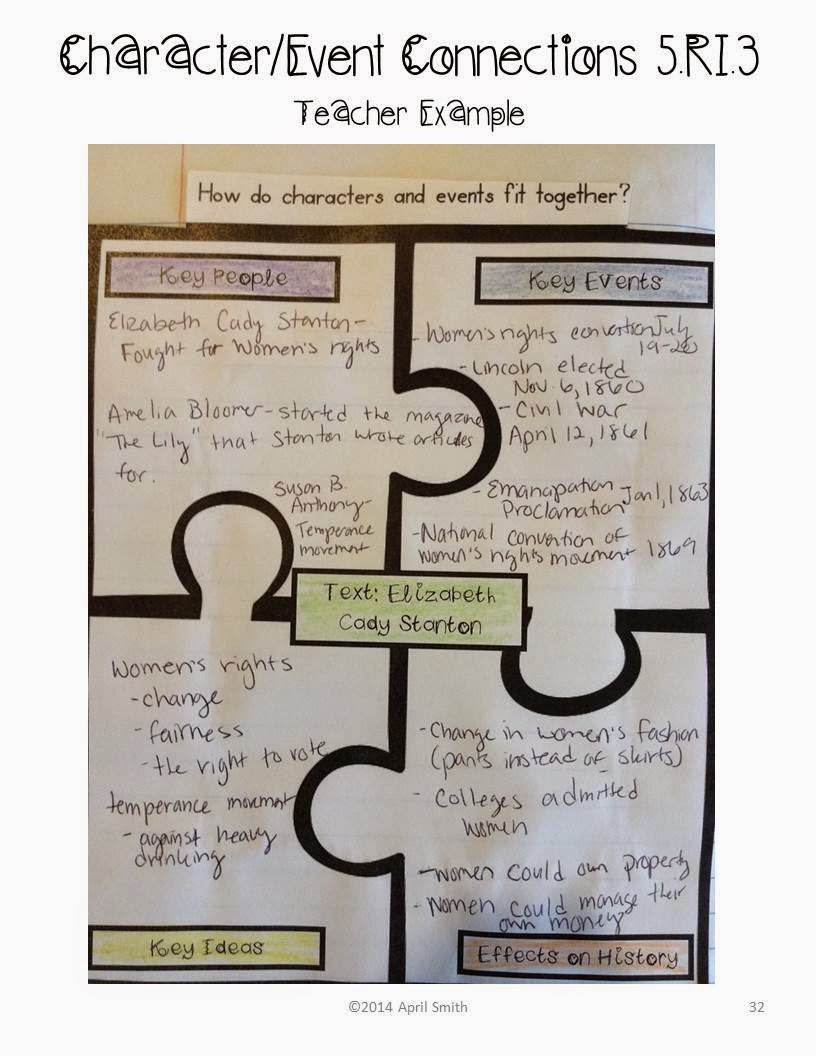
I promise that this is more than a shameless plug. These notebooks are made by me, but I also do use them in my classroom! When the Common Core Standards first came out, I knew I was going to have to create some new lessons. So I headed to my interactive notebook resources and made CCSS aligned ones. I also wanted to save planning time during the year, so I included the mini-lesson to do with a mentor text for each standard. You can get them for grades 4, 5, and 6!

http://www.teacherspayteachers.com/Store/Performing-In-Fifth-Grade/Category/Interactive-Reading-Notebooks

http://www.teacherspayteachers.com/Store/Performing-In-Fifth-Grade/Category/Interactive-Reading-Notebookshttp://www.teacherspayteachers.com/Store/Performing-In-Fifth-Grade/Category/Interactive-Reading-Notebooks
4. ELA Flippables by 4mulaFun (Reading & Writing)
This is a great all around resource for getting started in your classroom with foldables in Reading and Writing. It includes the ELA basics that can be used with any standards, in any state, and also homeschool. If you love flipbooks, this is definitely the resource for you!

http://www.teacherspayteachers.com/Product/Language-Arts-Flippables-for-Interactive-Notebooks-402165

http://www.teacherspayteachers.com/Product/Language-Arts-Flippables-for-Interactive-Notebooks-402165

http://www.teacherspayteachers.com/Product/Language-Arts-Flippables-for-Interactive-Notebooks-402165


5. Baseball Unit by Teaching Momster (Reading, Math, Social Studies)
I'm cheating a bit - this isn't completely ELA, but who doesn't love a unit that spans the subject areas? I love that this resource comes with text to use with the compare & contrast foldable. This seems to be the standard I have the least amount of text resources for!

http://www.teacherspayteachers.com/Product/Baseball-Math-Social-Studies-and-Reading-1509164

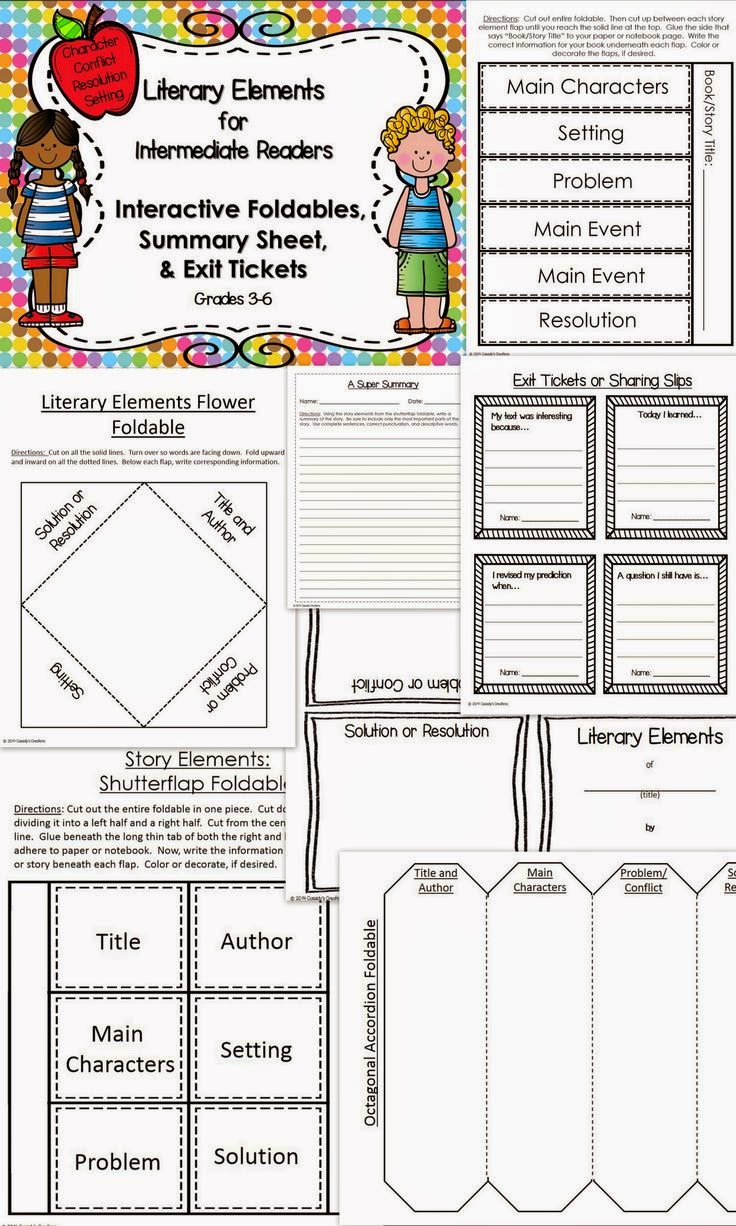
6. Literary Elements for Intermediate Readers by Cassidy's Creations (Reading)
This resource is great for teaching story elements! Each foldable pairs well with any text, and it also includes exit tickets. I love when I get a resource that has a complete lesson from beginning to end done for me!

http://www.teacherspayteachers.com/Product/Printable-Story-Elements-for-Intermediate-Grades-1354807


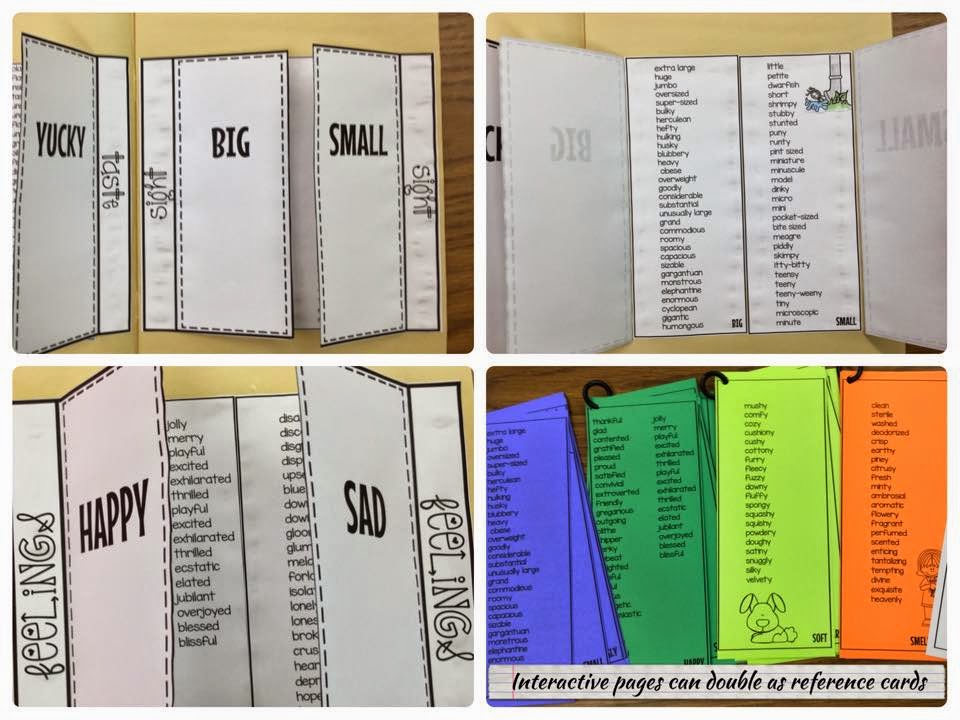
7. Spice up overused words with Vocabulary Reference Cards from Cinnamon's Synonyms. (Writing)
This is a great addition to any Writing notebook - reference cards with synonyms for common overused words. I have several students who just don't bother using a thesaurus because they can't seem to find overused words in their own writing. This resource helps give them words to look for, and helps them replace them with stronger words.

https://www.teacherspayteachers.com/Product/Boring-Words-Interactive-Notebook-Reference-Cards-Cinnamons-Synonyms-1663458


8. Teaching Theme Differentiated Unit with Foldables by Teaching to Inspire in 5th (Reading)
This is a huge 80 page resource for teaching theme, and it comes with some great reading passages and foldables! You can download one of the freebies by clicking on the photo at the end of Jennifer's blog post, but there are many more wonderful ones in the theme unit.

http://teachingtoinspirein5th.blogspot.com/2013/02/teaching-theme-in-upper-grades-and.html
  
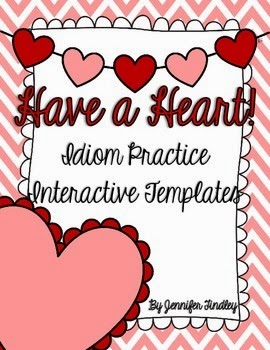
9. Valentines Day Idioms Freebie by Teaching to Inspire in 5th (Reading)
Who knew there were so many great idioms involving the word "heart"? This is a great foldable to add to your current idioms lesson! I plan to use it as a refresher next month. You can never have enough idiom practice- especially with ELLs!

http://www.teacherspayteachers.com/Product/Have-a-Heart-Interactive-Templates-for-Idioms-1035426

10. Interactive Notebook Starter Kit by 4mulaFun (All Subjects)

If you're trying to get your interactive notebooks started, this is the best resource ever- and it's free! It includes cover and planning pages for your interactive notebooks, along with a few basic flipables to get you started.

http://www.teacherspayteachers.com/Product/Interactive-Notebook-Starter-Pack-for-ALL-SUBJECTS-774322

Do you have a favorite ELA flippable? Leave a comment below!

Tuesday, January 20, 2015

Top 10 Favorite Apps for the Classroom


I love learning about new apps that can be used in the classroom for student learning and for productivity. I'm always reading blog posts about the creative ways teachers are using different apps in their classroom.

I'm Sandy Cangelosi with Sweet Integrations. I'm a former instructional technology specialist in Austin, Texas. Today, I'm going to share some of my favorite apps and resources so you can easily find the perfect apps for your classroom. Some of the listed apps are ones I recommend my buyers to use in my products. Most of these apps can be used in a variety of ways.

These are my Top 10 Apps:


1. Popplet Lite - This app can be used in brainstorming or as a graphic organizer in researching a subject or person. Students can add text, images, draw and change the color of their text. The finished products can be exported as a PDF or JPG. If you have a budget for purchasing apps, I highly recommend Tools 4 students. It offers 25 different graphic organizer templates and only costs $.99. I love it!


2. Story Creator - Students of all ages can create beautiful stories with this app. It supports photos and videos, voice and drawings. Your students can create personal stories or use this for research presentations.


3. Poll Everywhere - When you need to take a quick poll or survey in your class, use Poll Everywhere or Poll Daddy. You can add multiple choice questions, true/false and open-ended questions. What a perfect way to review for quizzes! You can even display results in other presentation formats. You do need to create accounts to participate.


4. Easy Chart - This is an easy and engaging way to teach graphing. Students can create a chart from their data which then translates to a bar graph, line graph and pie chart. It is so easy to use. The results can be emailed or saved to the photo album. You can change colors, too.

5. NeoReader - This is a must-have on any iPad. NeoReader is a basic QR Code Reader and there are other QR Code apps that are just as good. It's very simple and easy to use. My other favorite is QR Code Reader and Scanner. I use QR codes with many of my products for linking to websites, YouTube videos, answers to problems or questions, and images. I also like to use QR codes on choice boards at centers. 
Monarch Butterfly Life Cycle: Slideshow and Activities

6. Pic Collage - This has to be one of my favorite apps. I can always find ways to implement it into different activities and units. I've used PicCollage at the beginning of the year for students to introduce themselves and I just put it in my Black History unit in researching Ruby Bridges. Students can add their own pictures from the photo album and search within the PicCollage app. All you do is add text, cute stickers and format the background. You can purchase more stickers to add to your collage. It is so professional looking!

Black History Month: Famous African Americans Interactive Notebook

7. Caption Distraction - This app is similar to Comic Touch. Comic Touch is no longer available and was the free version of Comic Life. I created a sample below about Martin Luther King, Jr.. I should have made the picture larger so there wouldn't have been as much black space. I love the way you can change the effects of the image and add so many different speech bubbles.

Black History Month Bundle

8. Snapguide - When writing "how-to's" and step-by-step directions, Snapguide is a fun app to use. Students can take pictures, import them into Snapguide, then type the directions or instructions. I used it in an activity for making hot chocolate. Fun!

9. Animoto - This app is also an online resource. Animoto is excellent in highlighting student work. You just email the link to parents. They are always impressed. Visit the Techie Teacher's blog to see how she used Animoto to showcase her student products. Her students used Comic Life for their Native American projects.


10. Resources - Take a look at my "I Love iPads" Pinterest Board. I'm always adding new ideas and apps for the iPad.

And, visit my blog for "APPetizers". I've listed different sites for iPad resources, apps and outstanding tech bloggers. As a member of Texas Computer Association, I receive updates on apps that are free for a limited time and new educational apps. I choose one app each week to highlight on Facebook.


Related Posts Plugin for WordPress, Blogger...